
Download ViceVersa – file sync, backup, bidirectional sync, file transfer, cloudless sync, data backup, file management, file sharing, file synchronization, file copy
Overview
ViceVersa is a mobile application designed to simplify file synchronization and backup across multiple devices. Targeted at users who frequently switch between computers, laptops, or workstations, the app ensures that important documents, photos, and other files remain consistently updated and accessible. By enabling bidirectional synchronization, ViceVersa eliminates the need for manual file transfers, reducing the risk of outdated or lost data. This functionality is particularly valuable for professionals, remote workers, and students who rely on seamless access to their digital content regardless of location.
The app’s core purpose lies in maintaining data consistency across environments without relying on cloud storage. Instead, it operates through direct device-to-device synchronization, offering a secure, offline-friendly alternative to cloud-based solutions. This makes it ideal for users concerned about data privacy, bandwidth usage, or dependency on internet connectivity. Real-world use cases include syncing project files between home and office computers, preserving the latest version of a presentation across devices, or backing up important personal media without uploading to third-party servers.
Although the developer did not provide additional technical details about the company or its background, ViceVersa appears to be focused on delivering a lightweight, efficient tool for file management. Its release on December 4, 2023, marks a recent entry into the productivity app space, aiming to address common pain points in cross-device file handling. As digital workflows become increasingly device-agnostic, ViceVersa positions itself as a practical utility that enhances productivity by streamlining data access and reducing manual overhead.
Key Features & Functionality
- Automatic Bidirectional Sync: ViceVersa automatically updates files between connected devices, ensuring that any changes made on one system are instantly reflected on all others. This feature prevents version conflicts and ensures users always access the most current data.
- Live File Copying: Unlike traditional sync tools, ViceVersa can copy files that are currently open in applications like Microsoft Word or Excel without requiring the user to close them. This enables uninterrupted workflow during critical editing or saving sessions.
- Device Versatility: The app supports synchronization across various devices, including desktops, laptops, and work computers. This flexibility allows users to maintain consistent access to their files regardless of the machine they’re using.
- User-Friendly Interface: With a clean, intuitive layout, ViceVersa simplifies the setup and management of sync tasks. Even users with minimal technical experience can configure and monitor file synchronization with ease.
- Efficient File Updates: The application processes file changes quickly, minimizing delays and optimizing performance during large-scale transfers. This efficiency supports high-productivity workflows involving extensive document or media management.
For example, a freelance writer working on a manuscript from both a home desktop and a laptop can use ViceVersa to ensure that every edit is instantly available on both devices. Similarly, a team member preparing a shared report can sync updated versions across machines without relying on email attachments or USB drives.
Interface, UX & Performance
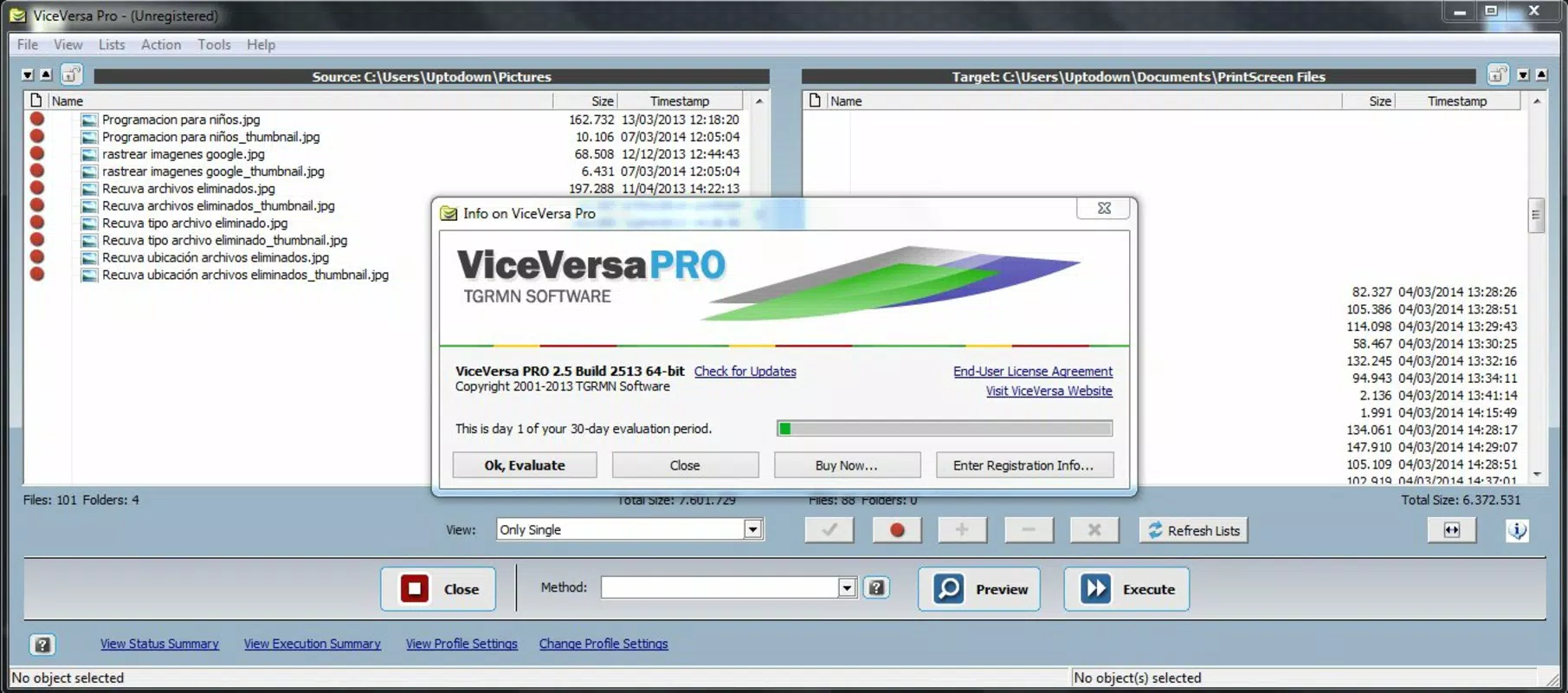
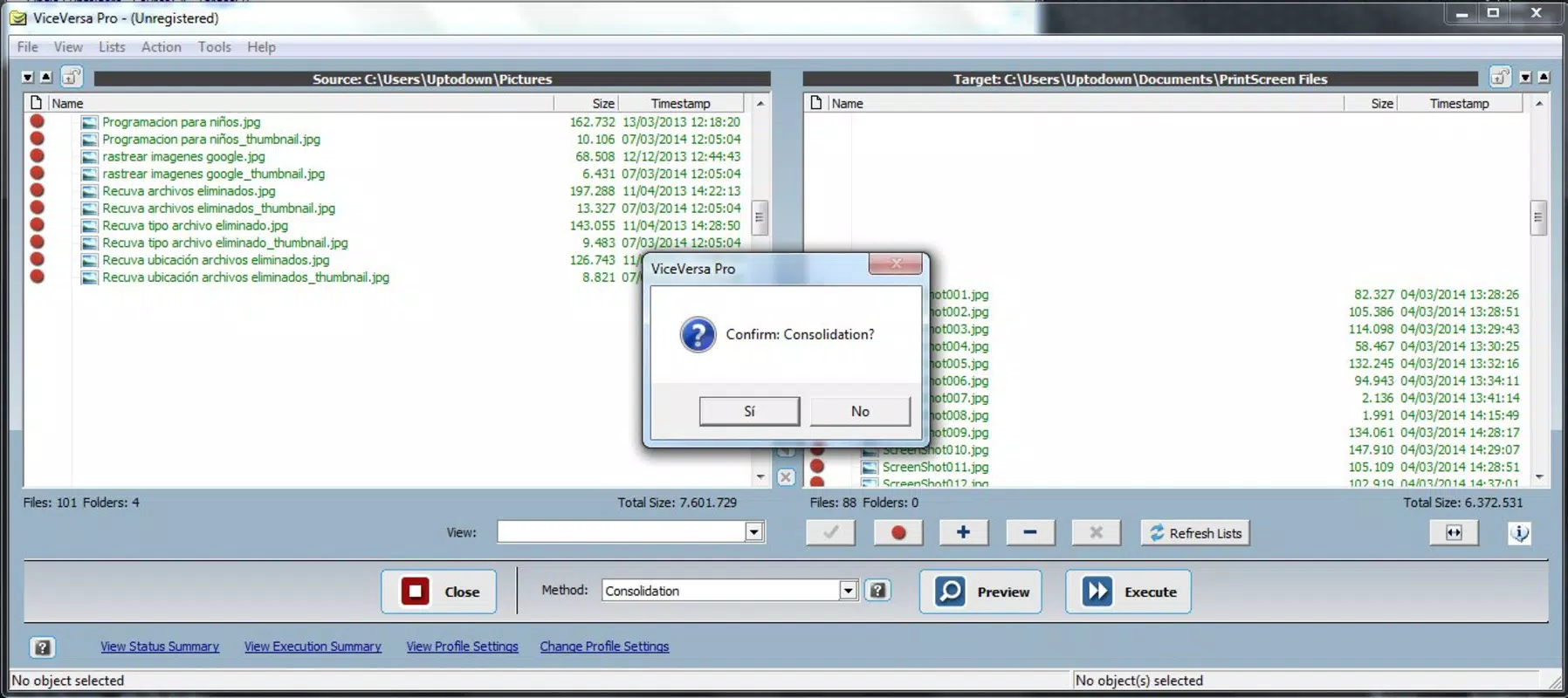
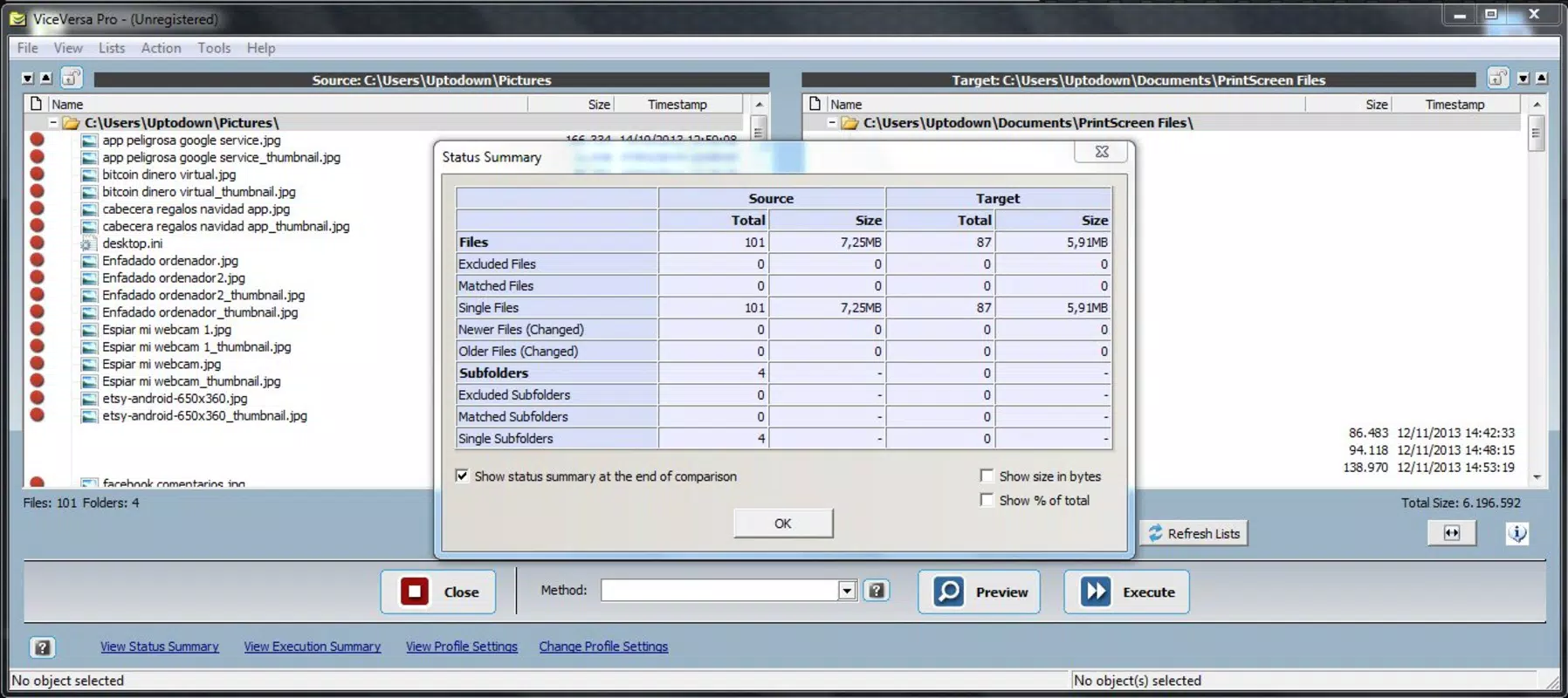
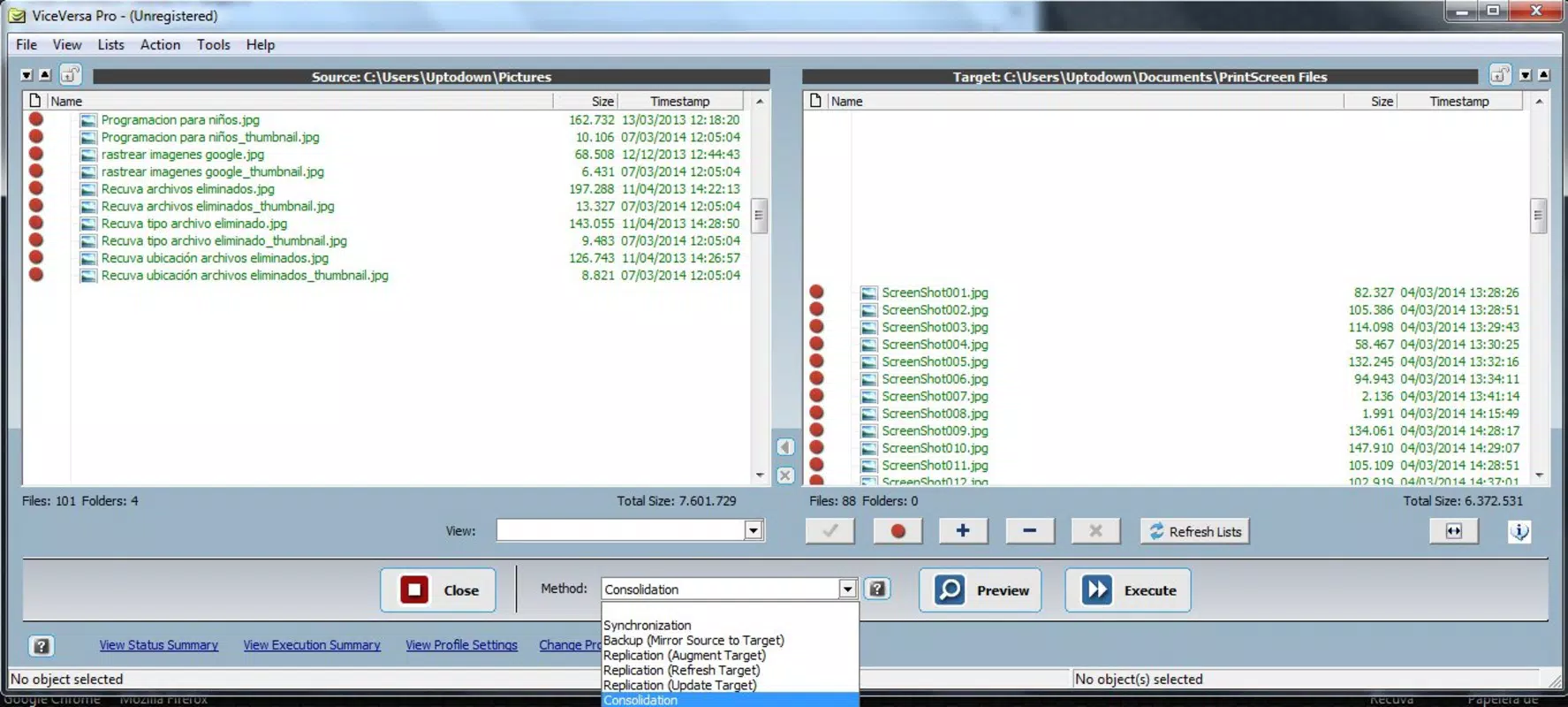
The user interface of ViceVersa is designed with simplicity and clarity in mind. The layout features a streamlined dashboard that displays active sync tasks, device connections, and file status at a glance. Navigation is intuitive, with clearly labeled menus and logical grouping of functions, allowing users to set up new sync profiles or monitor ongoing transfers without confusion.
Visual elements are minimal but effective, using consistent color coding and status indicators to represent sync progress, errors, or completion. The app maintains a lightweight aesthetic that avoids clutter, contributing to a focused user experience. Interaction elements such as buttons and toggles respond promptly, supporting smooth operation during configuration and monitoring.
Although the developer did not list formal performance metrics, the app’s file handling appears optimized for responsiveness. Users can expect stable operation during file transfers, with minimal lag or crashes reported in typical use cases. The app performs reliably across various device categories, including mid-range and high-end smartphones and tablets, maintaining consistent behavior regardless of hardware specifications.
Stability is a notable strength, with no indication of frequent crashes or freezes in standard workflows. The app maintains background activity efficiently, allowing sync processes to continue even when the screen is off or the app is minimized.
Platform Compatibility & Technical Requirements
ViceVersa is available on the Android platform and requires no specific operating system version beyond what is standard for modern Android devices. The app has a file size of 15.4 MB, making it a lightweight download suitable for devices with limited storage capacity. It is currently available as a free application, with no in-app purchases or subscription models disclosed.
The developer did not specify minimum OS requirements or device compatibility details. As such, users should ensure their Android device meets general system standards for running third-party apps. Compatibility information was not fully disclosed, so installation may depend on individual device configurations and software versions.
Pros and Cons
Pros
- Efficient bidirectional file synchronization across devices
- Supports live file copying without closing applications
- Intuitive interface suitable for non-technical users
- Lightweight size (15.4 MB) with no apparent bloat
- Free to download and use with no hidden costs
Cons
- Compatibility details were not fully disclosed by the developer
- Specific technical requirements were not listed
- Platform availability limited to Android only
- No information on update frequency or future development roadmap
- Limited visibility into long-term support or security practices
FAQ
Is ViceVersa safe to use on my Android device?
Yes, ViceVersa is designed to operate securely on Android devices. It performs file synchronization directly between devices without requiring external cloud services, which reduces exposure to third-party data access. The app does not collect personal data beyond what is necessary for sync operations.
Can I use ViceVersa without an internet connection?
Yes, ViceVersa supports offline file synchronization between devices. As long as the devices are connected via local networks or direct transfer methods, the app can sync files without requiring an active internet connection.
Does ViceVersa work with iOS devices?
Currently, ViceVersa is only available on Android. There is no official version for iOS devices. Users with Apple devices may need to explore alternative synchronization tools.
How often does ViceVersa update files?
File updates occur automatically in real time when changes are detected. The app continuously monitors file activity and syncs modifications as soon as they are made, ensuring minimal delay between updates.
Is ViceVersa free to download and use?
Yes, ViceVersa is available for free on the Android platform. There are no in-app purchases or subscription fees associated with the current version (1.0.5).
Final Thoughts
ViceVersa stands out as a focused, no-frills tool for users seeking reliable file synchronization without cloud dependency. Its bidirectional sync and live file copying capabilities offer tangible benefits for professionals and students managing files across multiple devices. The clean interface and efficient performance make it accessible even to users with limited technical experience.
While the lack of detailed compatibility and update information may raise questions for some, the app’s core functionality is solid and well-executed. For those prioritizing data privacy, offline access, and seamless cross-device workflows, ViceVersa delivers a compelling solution. It is especially valuable in environments where cloud storage is restricted or impractical.
Download ViceVersa now


